Tracking data and data logging issues

As the project moved more towards data collection for co-performed place-making, it became more evident that the tagging of multiple types of waypoints during a walk, while a feasible activity for the research team, was a big ask for any project participants. We need a much simpler way of tagging the GPS routes with distinct waypoints.

This is a design concept that underpins the current low fidelity app design.

It also inspires the direction that the hardware design took.

A conversation with a colleague who used to work with data collection for Parks and Wildlife provided some insights. They also have occasional need to note specific data types attached to waypoints (specific feral cats or specific weeds for example) and used a keyboard input data logger.
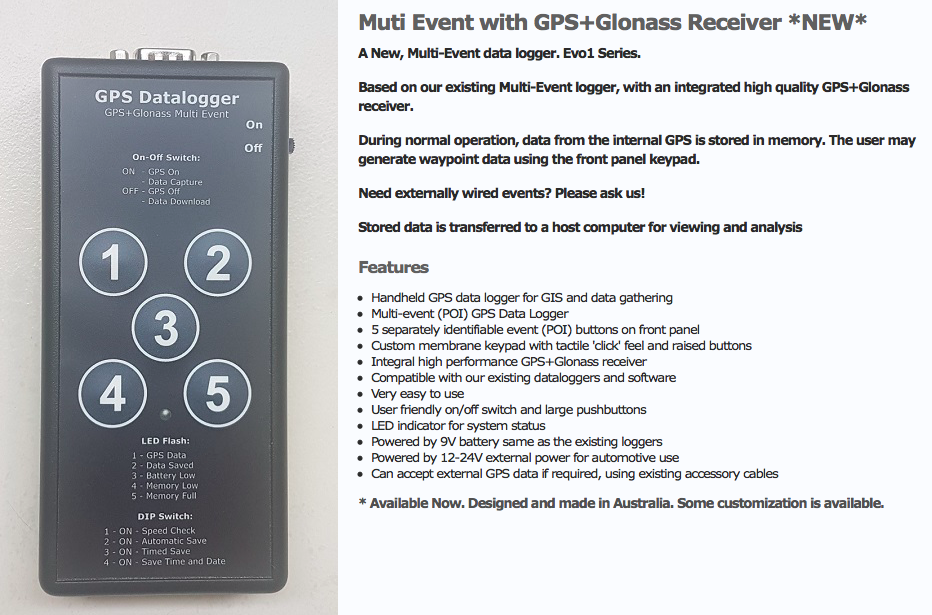
Probably something like this one – note the cable input

Commercial multi-event data loggers that allow customizable key inputs are not common. Our next step was to develop our own:
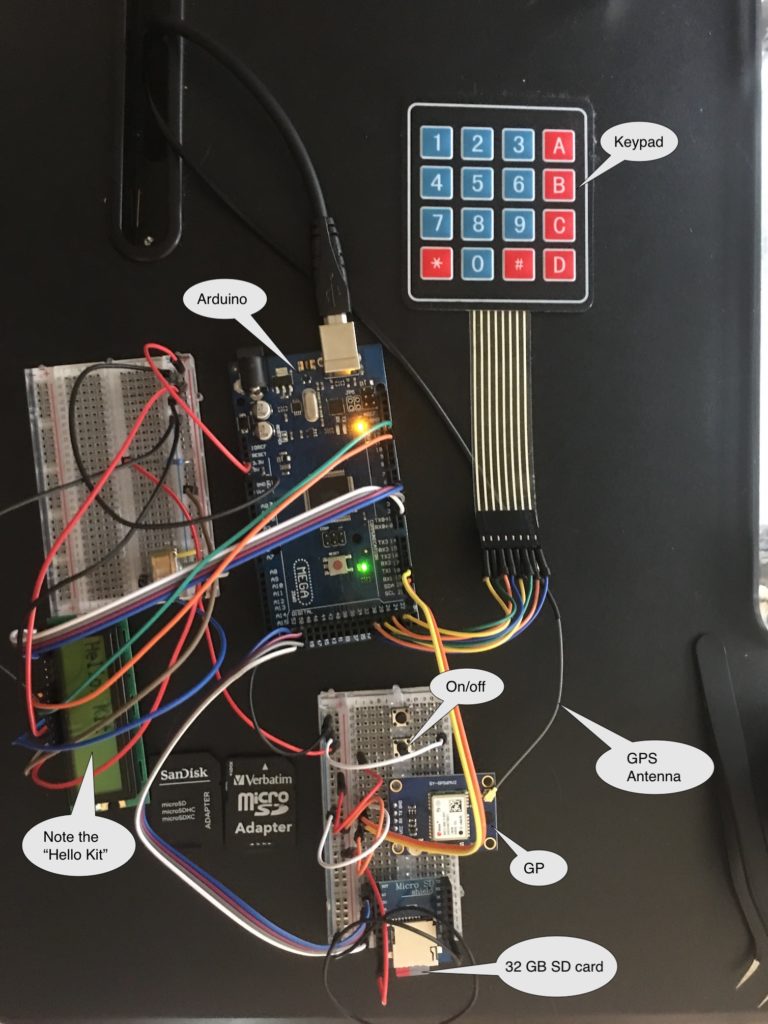
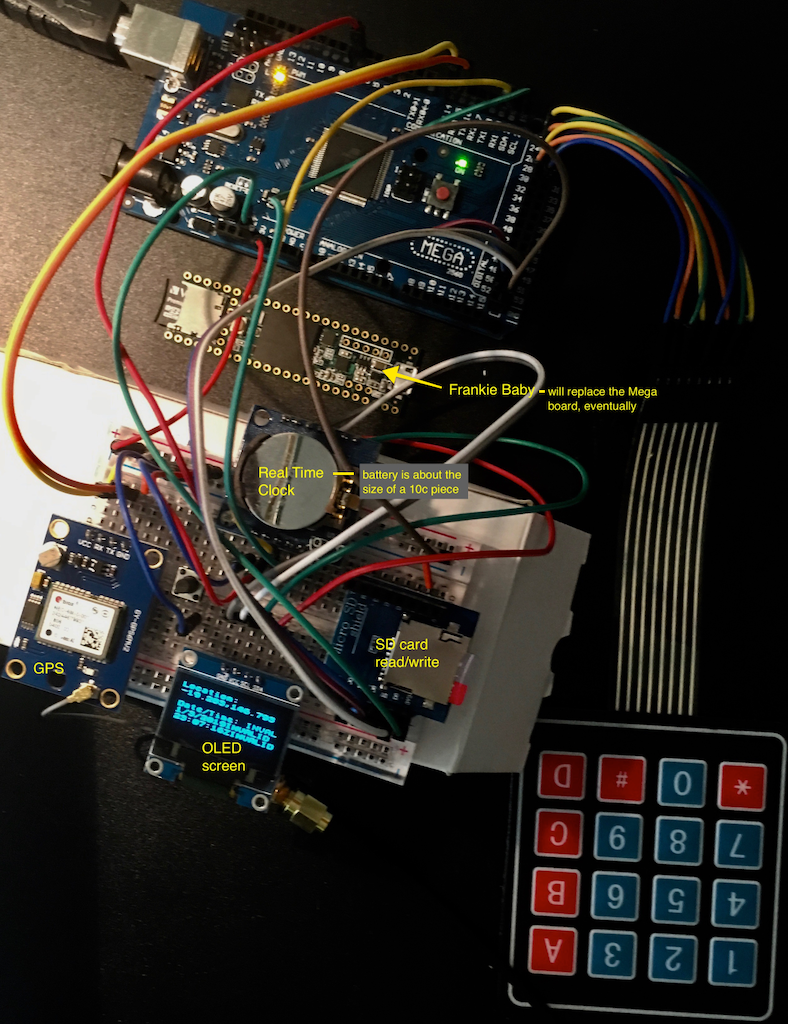
A work in progress …
Dog tracking

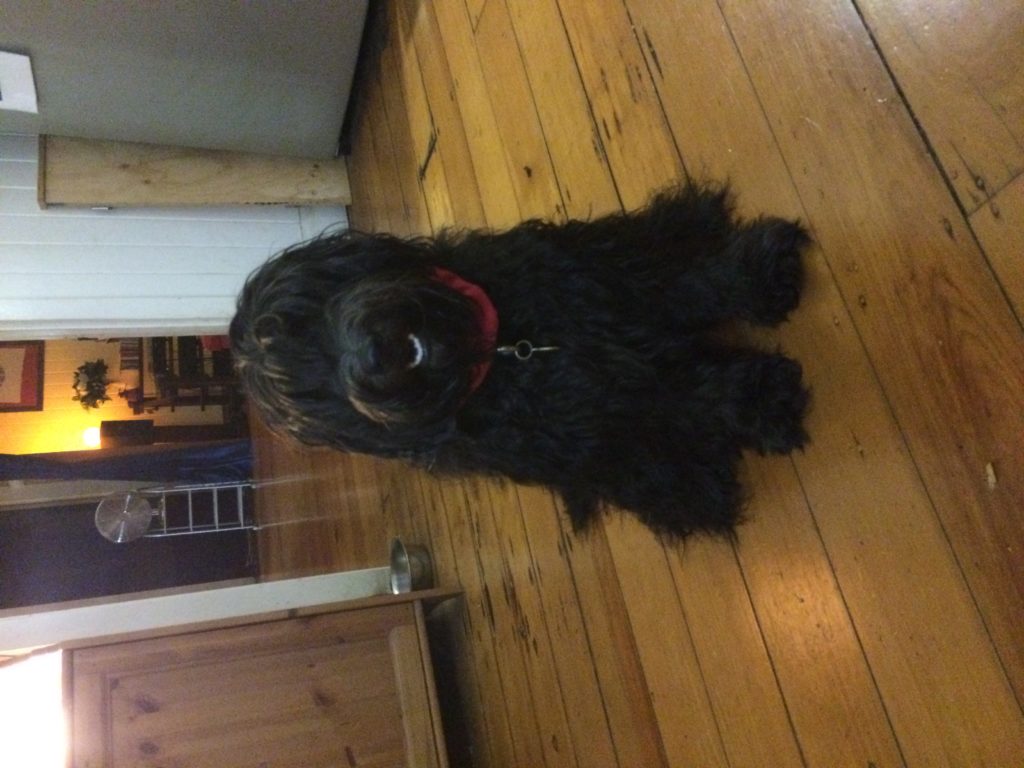
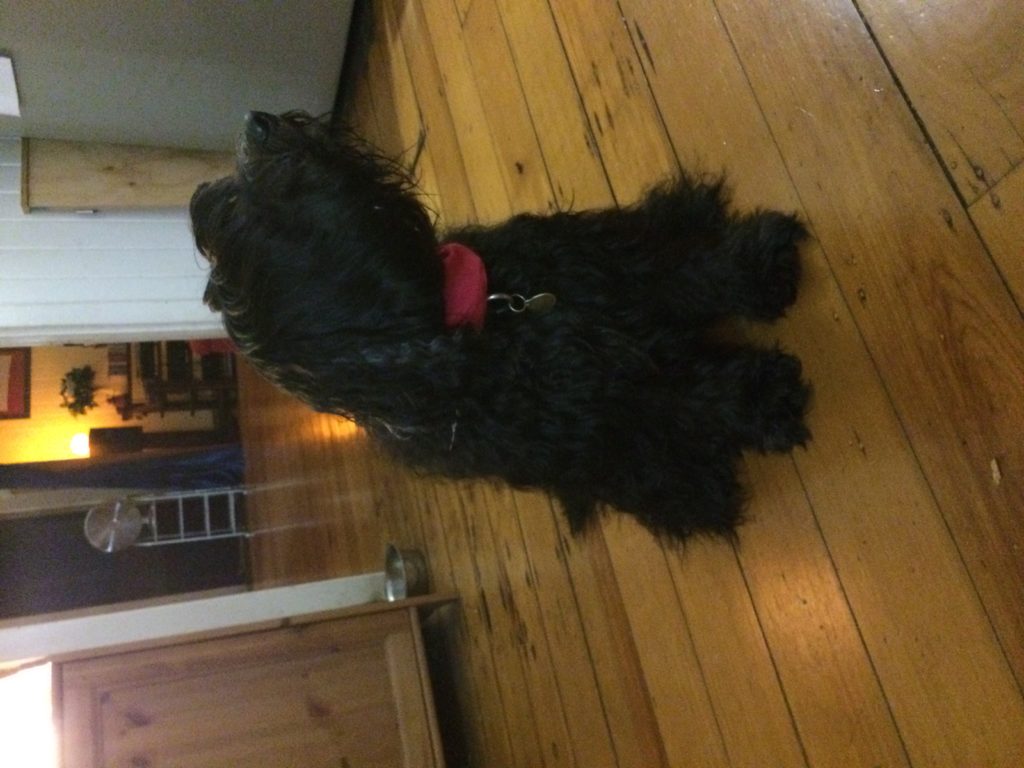
While a COTS GPS tracking app is appropriate for the human partner in the co-performance, what about the companion animal?

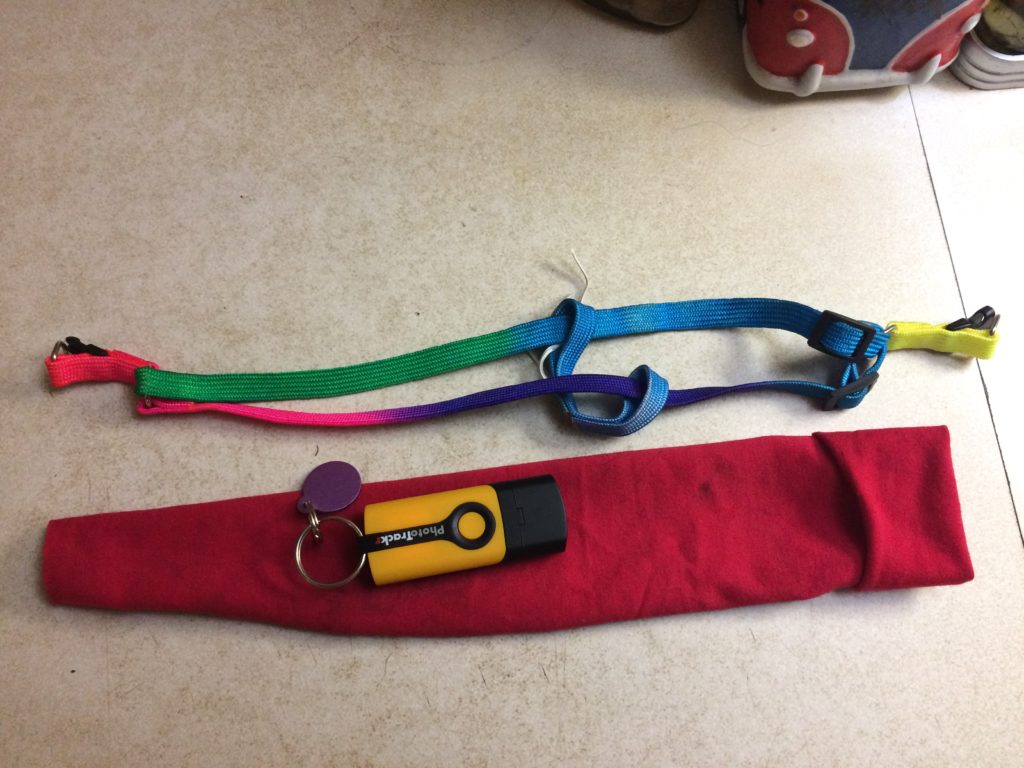
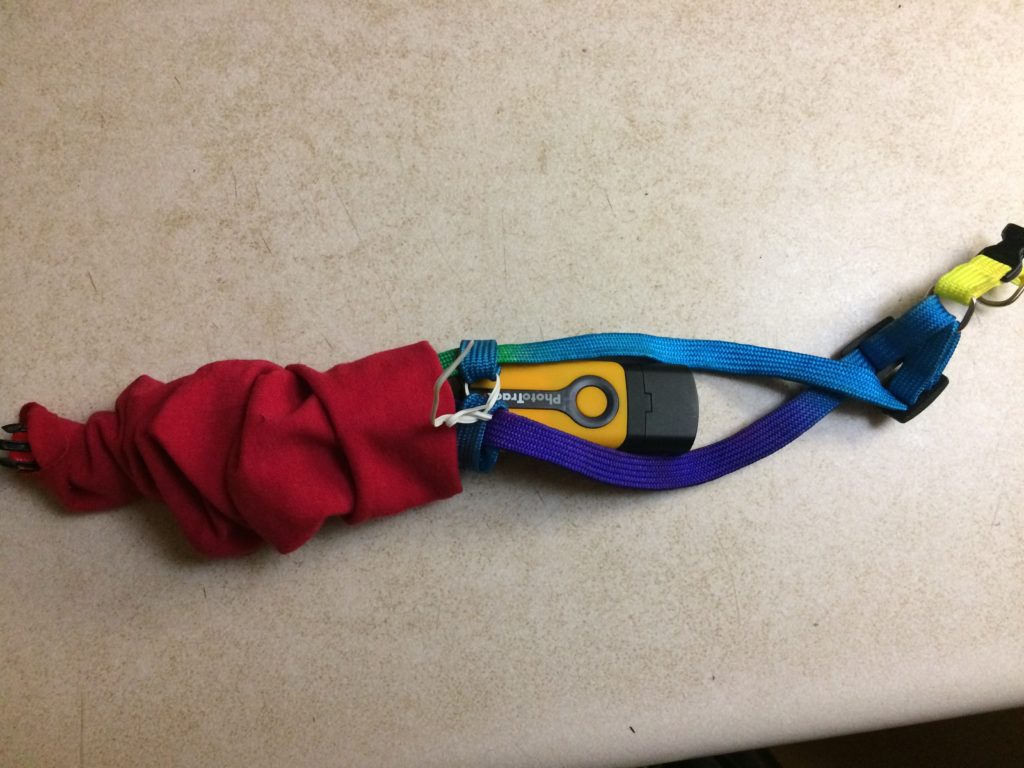
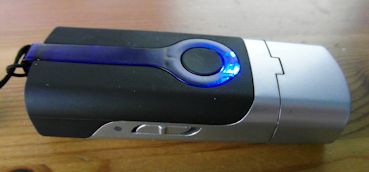
Taking the lead from Craig Taylor, we used a GPS Route Logger Dongle that was small enough to attach to the dog’s collar and that would simply generate GPX files.

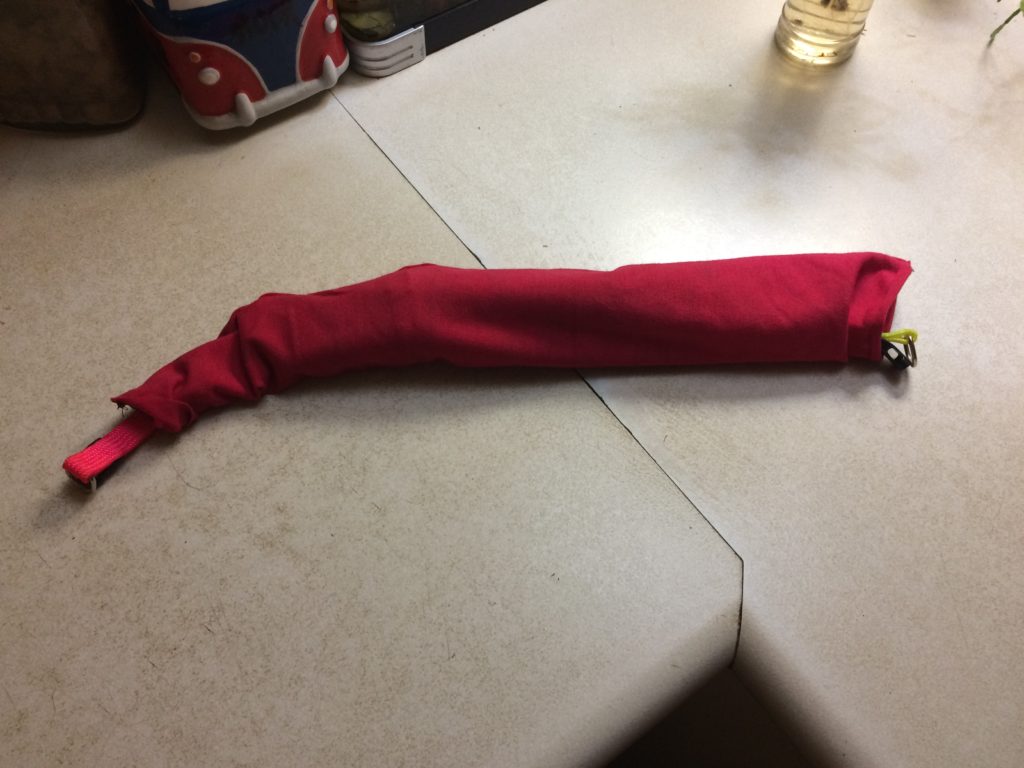
This was attached to the dog with a second soft collar and a small bag so that it didn’t dangle in the dog’s way.


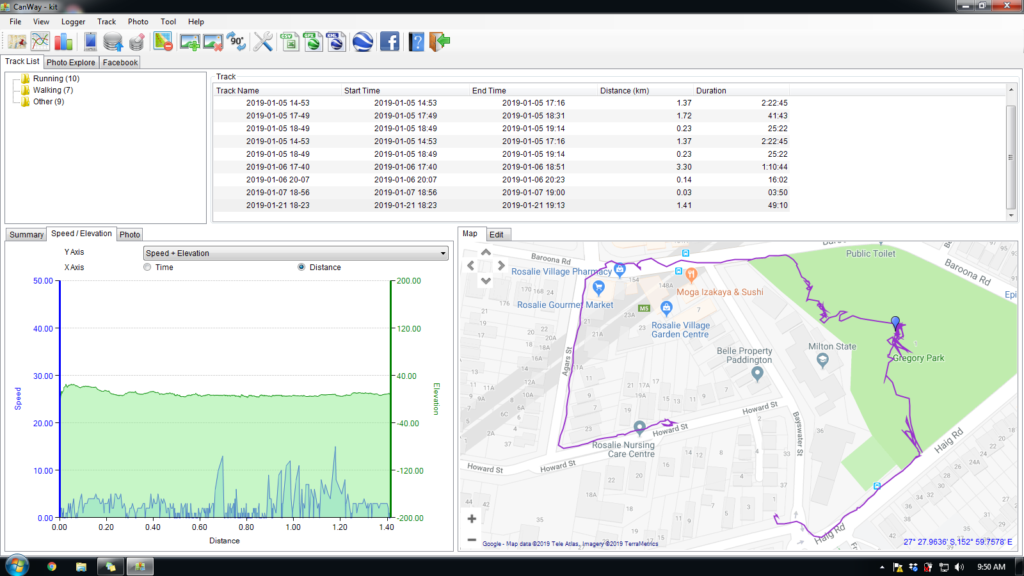
Canmore GT-730FL-S GPS data logger [Review]

The Canmore seems to work well. The dongle has a quick waypoint generator in the form of a button – somewhat impractical while the dog is wearing it – although she did manage to activate it once or twice through active movement.

Does require proprietary software to download GPX files (supplied) which only works on a PC.

GPS trace generated by dog

Data visualisation design process

Following on from design insights based on the initial GPS tracking and waypoint tag work, current data visualisation aims to reveal activity in place in order to design different ways to display the data over time.

Waypoint tags – testing phase

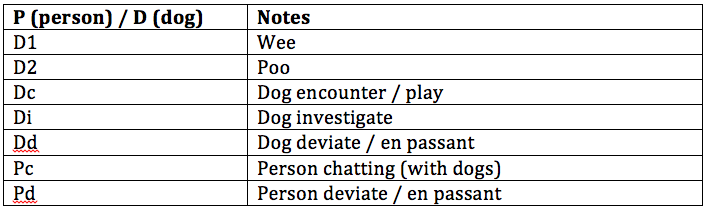
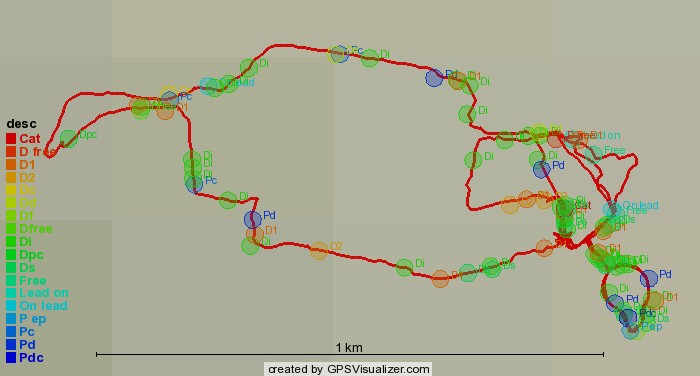
The first test phase of data collection ended up using a limited set of tags for the waypoints – mainly because these emerged as the pertinent tags and in part due to the multi-step process of adding them by hand

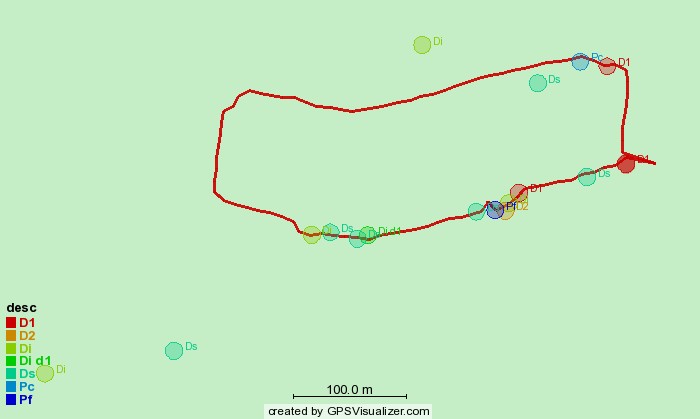
Maps also have some random tags added by way of notes e.g. Off Leash / On Leash, Roll, Cat. Plus a few compound tags e.g. Pdc (Person en passant with chatting)

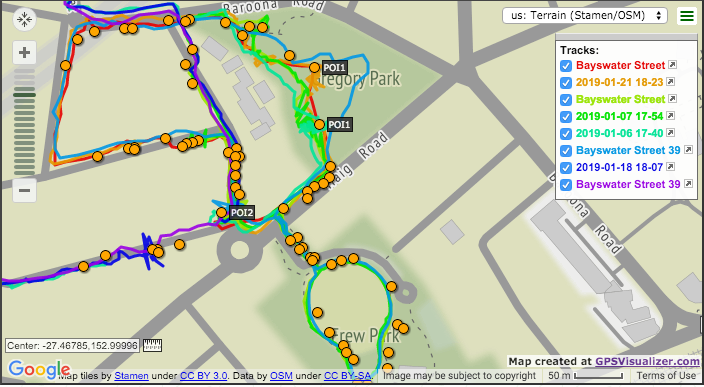
Tracks generated with dogwalk and GPS Route Logger Dongle

Using RunParticles – neat little GPS track animation program

Same route, same dog, 7 walks (no waypoint display option)

Using GPSVisualizer – routes and waypoints display option

4 separate walks with two tracked participants each time (person and dog), shows waypoints but can only view tags in live version

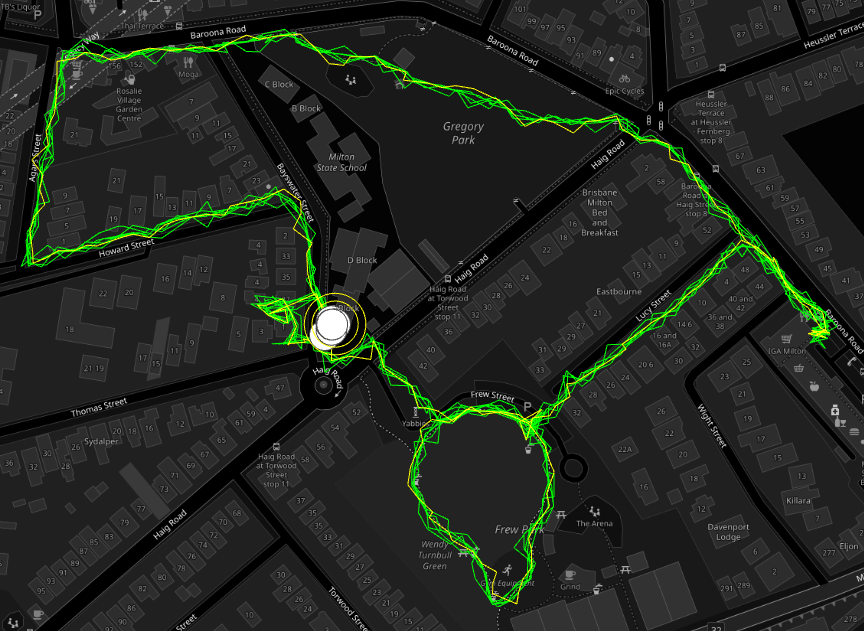
Using GPSVisualizer – data points colorizer option

Single walk, minimal tags (generated with dogwalk)
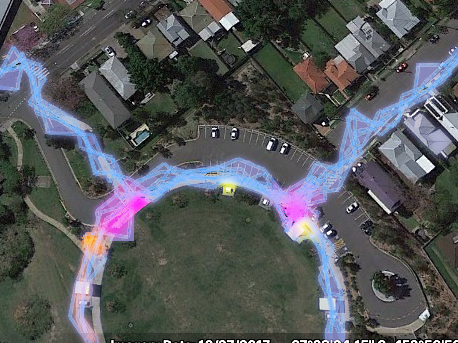
3 walks; 3 routes, minimal tags (including dog off leash) – hot spots emerging
Multiple tracks and emerging hotspots